Can you stream on multiple cam sites at once?
We read the official terms so you don't have to. A site-by-site breakdown of the rules for Chaturbate, Stripchat, CamSoda, Cam4, BongaCams, and MyFreeCams, explaining the key difference between broadcasting silently on another site and actively promoting another site to your audience.
Just tell me what the rules are
- Multistreaming: Chaturbate, Cam4, and BongaCams officially support it. Stripchat and MyFreeCams allow it too. CamSoda and OnlyFans publish no rule against it.
- The Golden Rule: Do not mention the other sites. Do not put links in your chat. Keep your screen clear of competitor logos.
- Private shows: This varies by site. During a Stripchat private show, the broadcast must not appear publicly or for free elsewhere. Chaturbate does not ask you to go dark elsewhere during a private. Safest habit: switch other sites to Away or Off in your dashboard, then check your sites’ rules once and stick to what they say.
Yes, you can stream on multiple sites at once
Chaturbate, Cam4, and BongaCams permit multistreaming in their terms or guides. Stripchat and MyFreeCams allow it too. CamSoda and OnlyFans publish no rule against it. Rules governing your behavior while broadcasting are specific, so it helps to know them before going live.
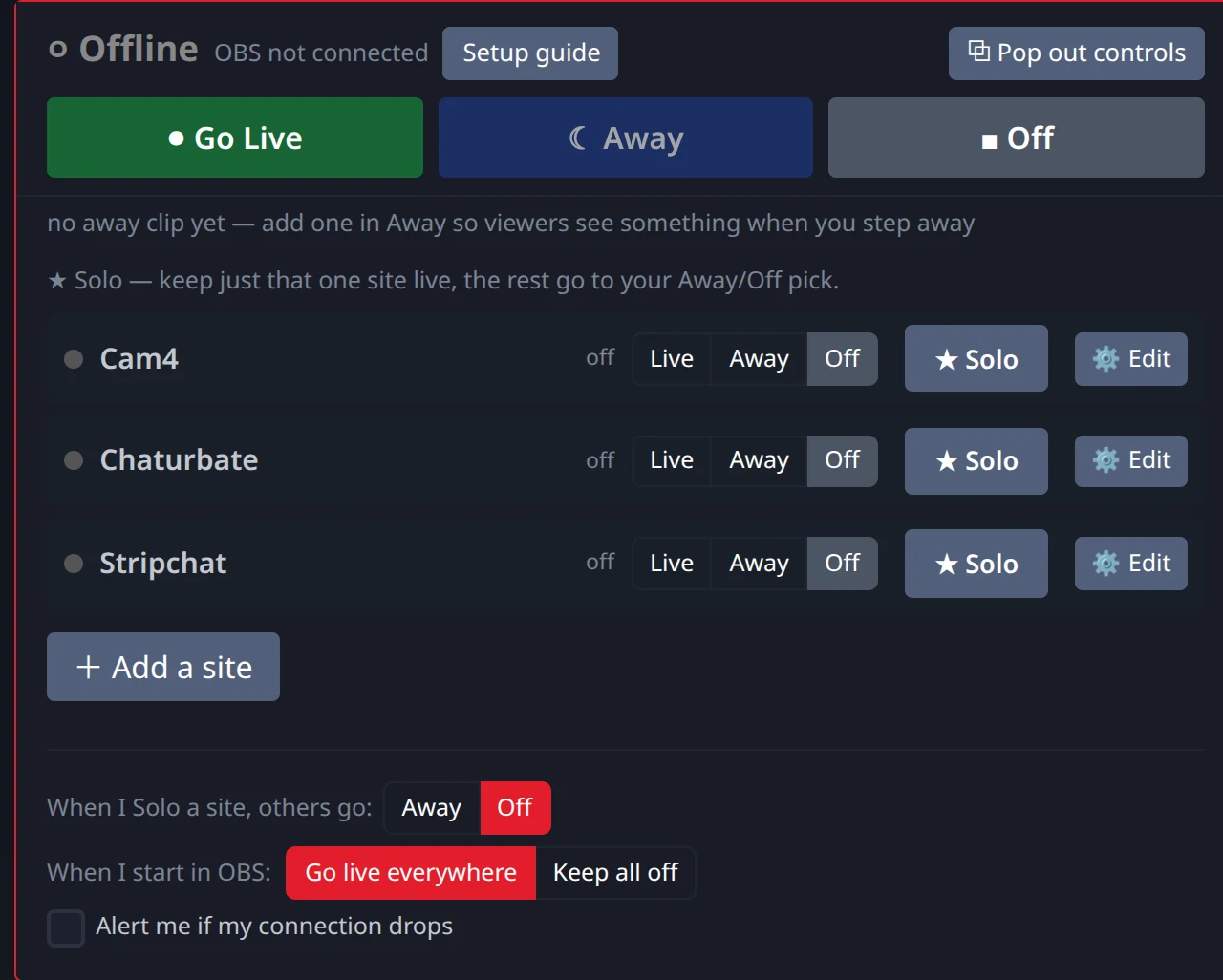
Summary of per-site rules
| Platform | Multistreaming Allowed? | Cross-Promotion Allowed? | Safe Default Rule |
|---|---|---|---|
| Chaturbate | Yes | No | Keep chat neutral; no links to other sites. |
| Stripchat | Allowed | No (temporary suspension) | Keep chat neutral; no competitor logos or branding. |
| MyFreeCams | Allowed | No | Keep chat neutral; no links to other sites. |
| CamSoda | no rule published | No (generic rules) | Keep chat neutral; no links to other sites. |
| BongaCams / Cam4 | Yes | No ($100 fine on Bonga; suspension on Cam4) | Keep chat neutral; manage away screens. |
| OnlyFans | no rule published | Restricted (sponsored-post rules) | Its terms set rules for sponsored posts and promotion. |
The critical difference: Multistreaming vs Cross-Promotion
Do not mention other sites on your stream.
Passive multistreaming is sending the same video feed everywhere. Platforms allow this or publish no restriction against it. Active cross-promotion is telling viewers on one site to follow you on another. Platforms penalize this: Stripchat issues temporary suspensions, BongaCams charges a $100 fine, and Cam4 states accounts may be suspended or permanently banned.
When you multistream, maintain absolute neutrality. Never mention competitor names or share links, and keep your video feed clean of site-specific branding.
Chaturbate rules
Allowed, but keep chat clean.
Chaturbate terms state that broadcasters are free to use other video streaming platforms either at different times or at the same time. Cross-promotion is not permitted: do not advertise other platforms or post links to competing sites in your chat. Chaturbate does not ask you to go dark during a private show.
Stripchat rules
Allowed.
Stripchat allows broadcasting to other platforms. Cross-promotion is prohibited and can lead to a temporary suspension. Keep your stream layout free of competitor branding and do not link to other services. Stripchat's support guidance says private and exclusive private shows can run on other platforms only if they are private or behind a paywall there as well, so your private show must not appear publicly or for free elsewhere.
MyFreeCams rules
Allowed.
MyFreeCams' model rules permit broadcasting on other platforms. Cross-promotion is not permitted, so do not promote competing sites in your room. On technical settings, the MFC wiki specifies a 1-second keyframe interval. MFC recommends 30fps, and also documents 1080p at 60fps with 7,000 kbps. Our standard 1080p at 30fps and 5,000 kbps with a 1-second keyframe fits that.
CamSoda rules
No multistreaming rule published.
CamSoda has no rule published regarding multistreaming. The platform publishes generic rules against advertising external services, so keep chat and stream free of competitor promotion. On the technical side, CamSoda recommends 24-30 fps and 3,000-6,000 kbps at 1080p, and accepts up to 50,000 kbps. There is no official source for a 2-second keyframe requirement. Our standard 1080p at 30 fps, 5,000 kbps CBR and a 1-second keyframe fits its range.
BongaCams and Cam4 rules
Multistreaming is permitted on both.
Both platforms officially allow streaming to other sites. Cam4 terms state that content providers may use other platforms, and BongaCams includes a multiple-output OBS guide in its model FAQ. Neither site permits cross-promotion: BongaCams charges a $100 fine, and Cam4 states accounts may be suspended or permanently banned. On video settings, both platforms specify 30 fps. Cam4 lists 4,000 kbps as an upload-based recommendation rather than a ceiling, and requests a 1-second keyframe interval. BongaCams accepts up to 6,000 kbps. Our standard settings of 1080p, 30 fps, 5,000 kbps CBR, and a 1-second keyframe satisfy both.
OnlyFans rules
No multistreaming rule published.
OnlyFans has no rule published regarding multistreaming. Its terms regulate sponsored posts and commercial promotion, so cross-promotion is not unrestricted. OnlyFans publishes no bitrate or keyframe figures. OBS's built-in OnlyFans preset uses a 2-second keyframe and caps video at 2,500 kbps; through Stream-Split, OnlyFans gets the same stream as your other sites.
Handling private shows and exclusive sessions
Manage your feeds when taken private.
Private show rules differ between platforms. On Stripchat, private and exclusive private shows can run on other platforms only if they are private or behind a paywall there as well. The show must not appear publicly or for free on another site.
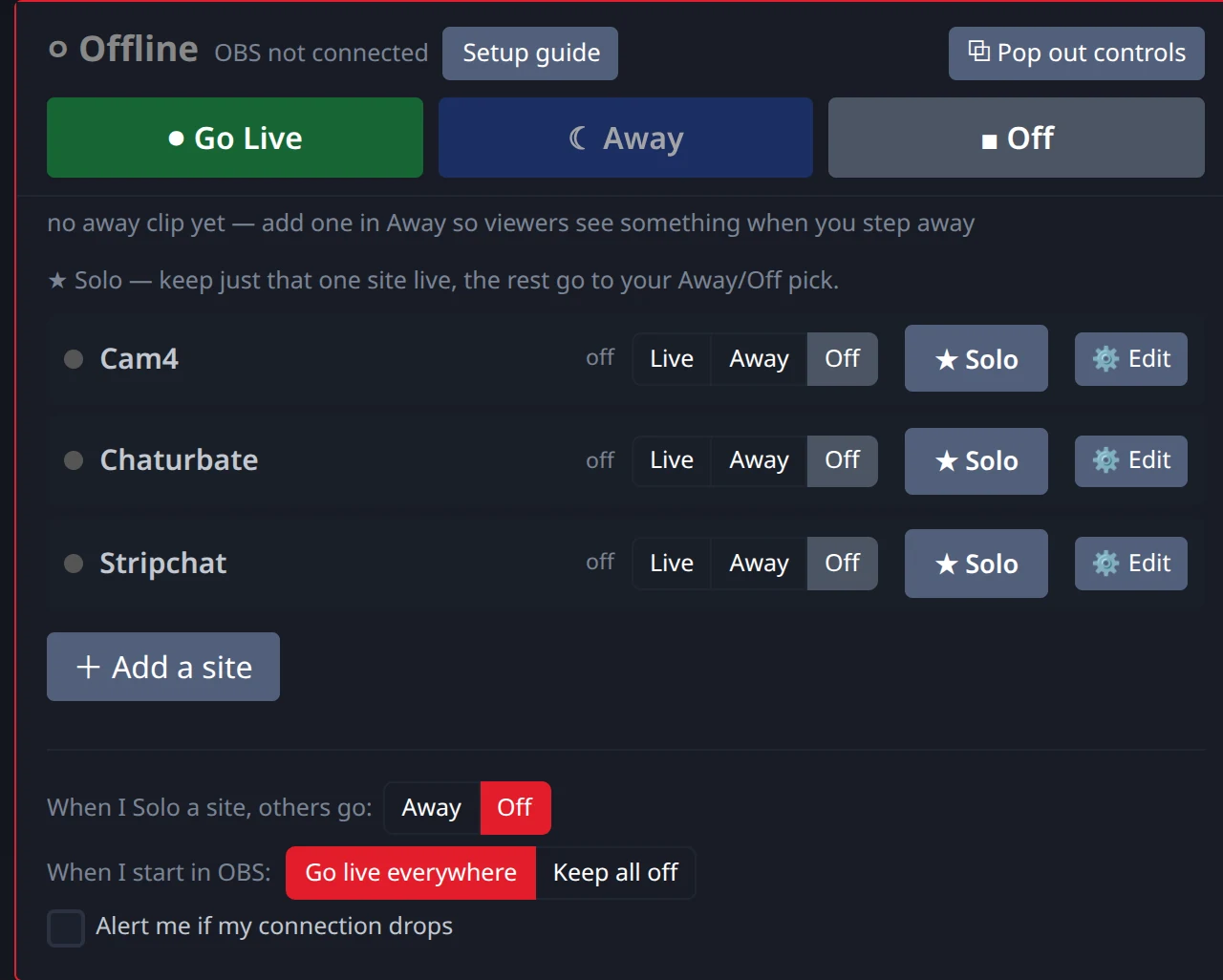
Chaturbate does not ask you to go dark during a private show. However, the simplest habit across all sites is to use your away screen. When taken private on one site, switch your other sites to Away (viewers there see your away screen) or Off (those sites get nothing) in your dashboard.
How to avoid account penalties
Penalties come from conduct, not multistreaming itself.
The penalties these sites publish are for conduct, not for multistreaming itself. The key rules to remember:
- Do not cross-promote competing platforms verbally, in chat links, or through on-screen branding. Stripchat suspends accounts temporarily for this, BongaCams charges a $100 fine, and Cam4 states accounts may be suspended or permanently banned.
- During a Stripchat private show, ensure the show does not appear publicly or for free on another site.
Keep each room neutral, and when you're taken private, Solo that site so your other rooms go to Away or Off.
Frequently Asked Questions
- Is multistreaming allowed on all cam sites?
- Chaturbate, Cam4, and BongaCams permit multistreaming in their official terms or guides. Stripchat and MyFreeCams allow it too. CamSoda and OnlyFans publish no rule against it.
- What is the difference between multistreaming and cross-promotion?
- Multistreaming is broadcasting the same video feed to multiple platforms. Cross-promotion involves mentioning, linking to, or advertising a competing site to your viewers, which platforms prohibit or penalize.
- How do I handle exclusive private shows?
- Rules vary by platform. Stripchat requires that private and exclusive private shows do not appear publicly or for free on other platforms (they may only run elsewhere if also private or behind a paywall). Chaturbate does not require you to stop streaming elsewhere during a private show. The safest habit is to switch other sites to Away when taken private.
- Can I get banned for using Stream-Split?
- Stream-Split delivers your video to each site's server, the same way OBS would. The rules that carry penalties are about conduct: cross-promotion, and showing a Stripchat private for free elsewhere.