The one-upload approach
Instead of OBS pushing a separate stream to each site, you send a single broadcast to a cloud relay. The relay holds your stream keys for each platform and duplicates your feed to all of them at once.
The bandwidth math is the whole argument. Three sites the local way means encoding and uploading three full streams — at 5,000 kbps each, that's 15 Mbps of sustained upload and three encoders' worth of CPU/GPU load, and a single connection wobble drops frames on every room at once. Through a relay, your computer uploads one 5 Mbps stream whether you're live on two sites or six; the duplication happens on servers with data-center bandwidth. Adding another site costs your PC nothing.
Setting it up
Three steps, about five minutes the first time:
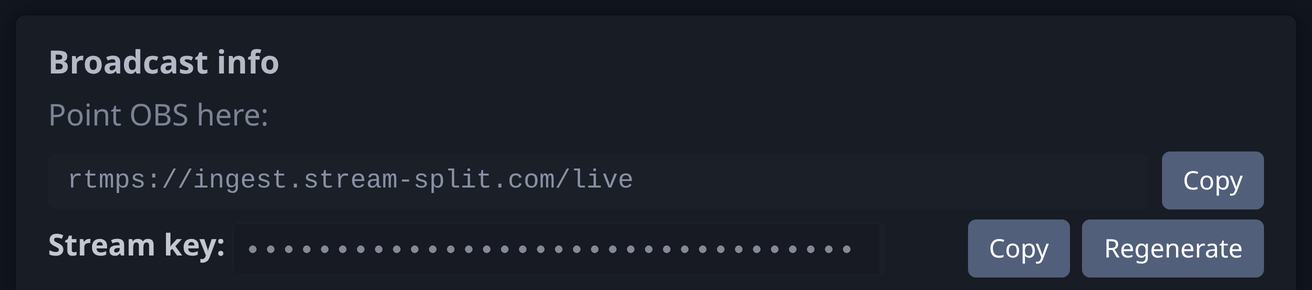
1. Point OBS at the relay — Settings → Stream → Custom, paste the server URL and stream key from your dashboard.
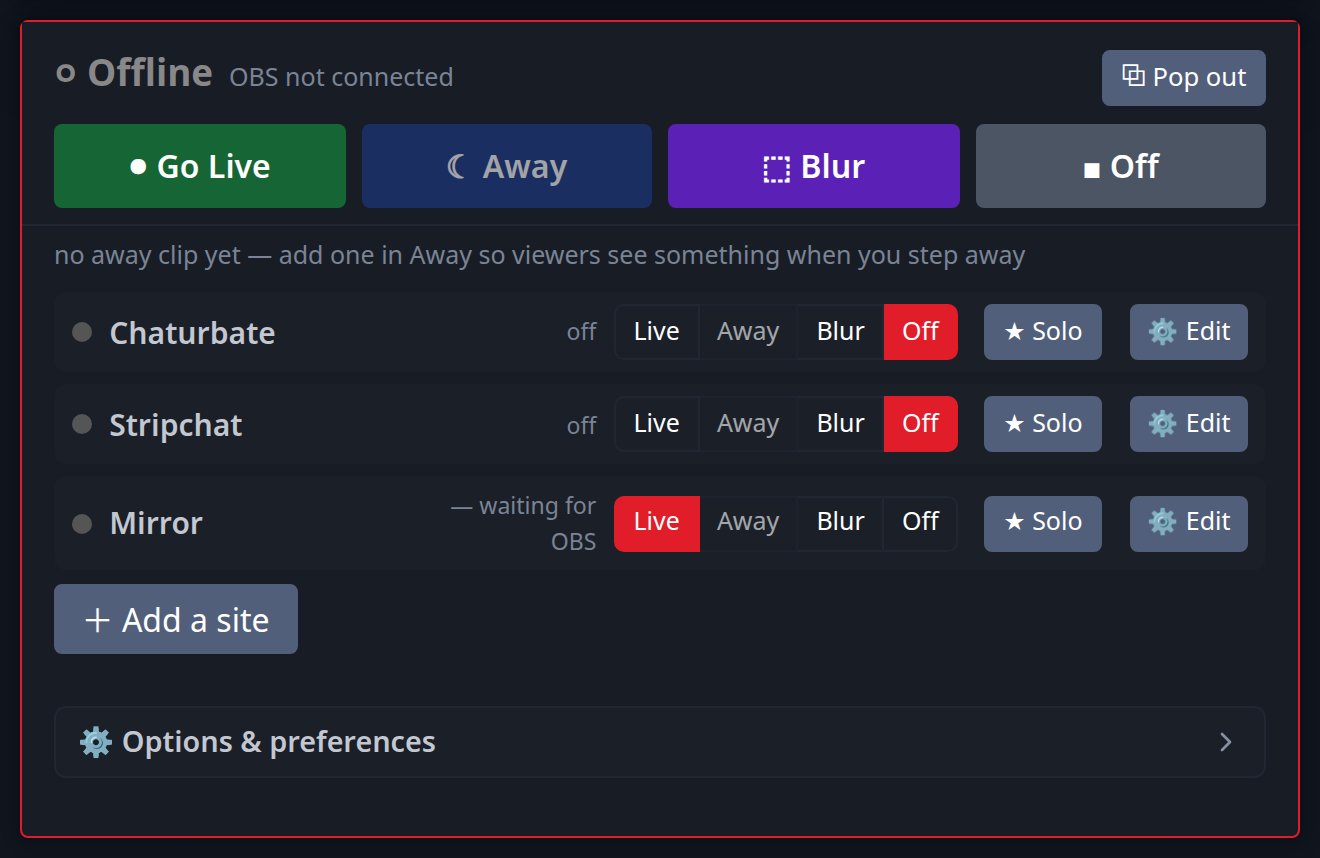
2. Add each cam site in the dashboard and paste that site's own stream key. Keys save as you type, and each row shows the platform's exact caps (resolution, fps, bitrate, keyframe).
3. Start streaming in OBS, then flip each site to Live — or hit Go live everywhere.
The full multistreaming guide walks each step with screenshots, or jump straight to a platform: Chaturbate, Stripchat, Cam4.
Wondering if it's allowed?
Two different rules get mixed up here. Broadcasting on several sites at the same time is allowed by most major platforms — Chaturbate's terms permit it explicitly, and MyFreeCams' model rules say there's no penalty for it. What almost every site does ban is promoting or naming a competing site while you're live on theirs, and at least one documents a fine for it. The practical takeaway: stream to as many rooms as you like, but keep each room's title, bio and chat about that room. The site-by-site rules, sourced from official terms, cover the six platforms we see paired most.
FAQ
- How many sites can I go live on at once?
- As many as you want — adding more platforms doesn't increase the load on your computer, because the duplication happens in the cloud.
- Do I need a faster internet connection for more sites?
- No. Your upload is one stream to the relay regardless of how many sites you add — if your connection handles a single OBS stream today, it handles six sites through a relay.
- Do all sites get the same video quality?
- Yes — the relay passes your broadcast through unchanged, so every site receives exactly the resolution and bitrate you send from OBS.