Multistream OBS to Cam4
Already going live on Cam4 from OBS? Stream-Split sends that same single broadcast to Cam4 and every other cam site at once — your PC encodes and uploads just once.
Start streaming to Cam4 — freeJust tell me what to set
Set your OBS Output Mode to Advanced, then type in these numbers. They are the settings Cam4 publishes, so you are not guessing.
- Output Resolution: 1920x1080
- FPS: 30
- Rate Control: CBR
- Video Bitrate: 4000 kbps
- Keyframe Interval: 1 second
- Audio Bitrate: 160 kbps
- Profile: Main
Streaming to other sites at the same time? Match the strictest one — the table below shows how Cam4 compares.
Cam4 settings by resolution
The encoder settings Cam4 documents for each resolution. Stay within these and Stream-Split sends your feed to Cam4 unchanged.
| Resolution | FPS | Video bitrate (kbps) |
|---|---|---|
| 640×480 | 30 | 1,000 |
| 800×600 | 30 | 2,000 |
| 960×720 | 30 | 2,500 |
| 1280×720 | 30 | 3,000 |
| 1920×1080 | 30 | 4,000 |
How to multistream to Cam4
Point OBS at Stream-Split
Add our server and stream key in OBS and hit Start Streaming — the same workflow you already use for Cam4.
Add your Cam4 key
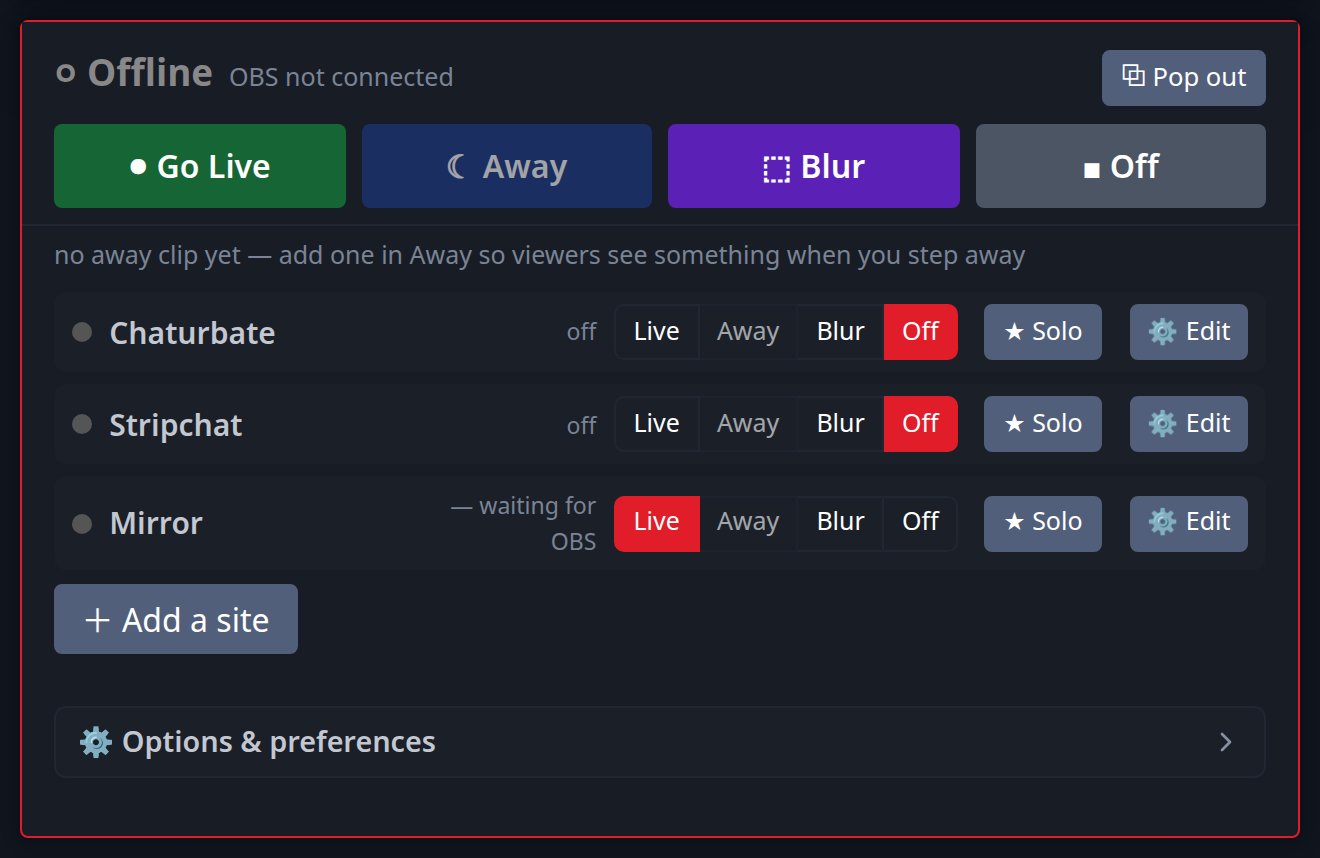
Paste your Cam4 stream key (and any other sites) into your dashboard. Switch each to Live, Away or Off with a click.
We deliver everywhere
Your broadcast reaches Cam4 and all your other platforms simultaneously — full quality, no extra CPU or upload.
Why multistream Cam4 with Stream-Split
One upload, every site
Encode and upload once instead of a separate stream per platform — far less CPU and bandwidth.
Full quality on Cam4
Cam4 receives your stream unchanged — same resolution and bitrate as OBS sends.
Per-site & away control
Keep Cam4 live while others play a discreet away clip, or flip any site on or off instantly.
Cam4 streaming requirements
Stream within these and Stream-Split sends your feed to Cam4 untouched — same quality as your single OBS broadcast.
Resolution
up to 1080p Full HD
Frame rate
up to 30 fps
Video bitrate
up to 4,000 kbps
Keyframe
1 second
Cam4 accepts up to 1080p Full HD at 30fps, up to 4,000 kbps. Streaming to other sites too? Broadcast at a setting every site accepts — our OBS settings guide has the sweet spots.
Adding a second site to Cam4
Cam4's own limits are only half the question once you broadcast somewhere else at the same time — you send one feed, so it has to satisfy both sites. Here is what to set for each pairing, worked out from what the two sites publish.
| Cam4 paired with | Send | Video bitrate | Keyframe / audio |
|---|---|---|---|
| + BongaCams | 1080p30 | 4,000 kbps | 1s / 128 kbps |
| + CamSoda | 1080p30 | 4,000 kbps | 1s / 160 kbps |
| + Chaturbate | 1080p30 | 5,000 kbps conflict | 1s / 128 kbps |
| + MyFreeCams | 1080p30 | 4,500 kbps conflict | 1s / 160 kbps |
| + OnlyFans | 1080p30 | 4,000 kbps | 1s / 128 kbps |
| + Stripchat | 1080p30 | 4,000 kbps | 1s / 128 kbps |
Rows marked conflict are the ones worth knowing about: the two sites publish figures that do not overlap, and the higher one wins. A site rejects a feed that arrives below its stated minimum, but accepts one above its stated maximum — so matching the lower number to keep one site happy is what makes the other flag your stream.
Full working: best OBS settings for cam streaming.
Cam4 multistreaming FAQ
- Can I stream to Cam4 and other cam sites at the same time?
- Yes. Stream-Split takes one OBS broadcast and sends it to Cam4 plus every other platform you add, live at the same time — no extra upload from your computer.
- Will multistreaming to Cam4 lower my quality?
- No. We pass your feed to Cam4 exactly as OBS sends it — same resolution and bitrate as your single broadcast.
- Do I need extra software to multistream to Cam4?
- No. You stream from OBS to our cloud and we distribute it — nothing to download or install.
- Is streaming to Cam4 with Stream-Split free?
- It's free to start, including a no-signup trial. Optional advanced features are available.
Multistream to other sites too
Add as many as you want alongside Cam4:
New to this? Read cam splitting on different cam sites or the best OBS settings.