Multistream OBS to OnlyFans (OF)
OnlyFans (OF) is different from public cam sites — it's subscription-based, and your live streams go out to your subscribers rather than a public freemium room. That makes multistreaming especially powerful: run a public show on a cam site to attract new fans while going live for your OnlyFans subscribers at the same time, all from one OBS broadcast.
Start streaming to OnlyFans — freeJust tell me what to set
Set your OBS Output Mode to Advanced, then type in these numbers. They are the settings OnlyFans publishes, so you are not guessing.
- Output Resolution: 1920x1080
- FPS: 30
- Rate Control: CBR
- Video Bitrate: 1500 kbps or higher — OnlyFans publishes no upper limit
- Keyframe Interval: 2 seconds
- Audio Bitrate: 160 kbps
- Profile: Main
Streaming to other sites at the same time? Match the strictest one — the table below shows how OnlyFans compares.
OnlyFans settings by resolution
The encoder settings OnlyFans documents for each resolution. Stay within these and Stream-Split sends your feed to OnlyFans unchanged.
| Resolution | FPS | Video bitrate (kbps) |
|---|---|---|
| 1920×1080 | 30 | 1,500+ |
Live streaming to OnlyFans from OBS
OnlyFans supports live streaming, and you can broadcast with an external encoder using the stream key from its live feature. Because the stream is part of your paid, subscriber-facing offering, quality counts — Stream-Split delivers your OnlyFans live at full quality alongside your other destinations.
How to multistream OnlyFans + other sites
Point OBS at Stream-Split
Add our server and stream key in OBS and hit Start Streaming — the same workflow you already use for OnlyFans.
Add your OnlyFans key
Paste your OnlyFans stream key (and any other sites) into your dashboard. Switch each to Live, Away or Off with a click.
Live everywhere at once
Your broadcast reaches OnlyFans and all your other platforms simultaneously — full quality, no extra CPU.
The public-to-OnlyFans funnel
A common workflow: be live and discoverable on a public token site to pull in viewers, point them toward your OnlyFans, and stream to your OnlyFans subscribers at the same moment. Stream-Split turns that into a single broadcast instead of three separate encodes fighting for your CPU.
Adding a second site to OnlyFans
OnlyFans's own limits are only half the question once you broadcast somewhere else at the same time — you send one feed, so it has to satisfy both sites. Here is what to set for each pairing, worked out from what the two sites publish.
| OnlyFans paired with | Send | Video bitrate | Keyframe / audio |
|---|---|---|---|
| + BongaCams | 1080p30 | 4,000 kbps | 2s / 128 kbps |
| + Cam4 | 1080p30 | 4,000 kbps | 1s / 128 kbps |
| + CamSoda | 1080p30 | 3,000 kbps | 2s / 160 kbps |
| + Chaturbate | 1080p30 | 5,000 kbps | 2s / 128 kbps |
| + MyFreeCams | 1080p30 | 4,500 kbps | 1s / 160 kbps |
| + Stripchat | 1080p30 | 3,000 kbps | 2s / 128 kbps |
Full working: best OBS settings for cam streaming.
OnlyFans multistreaming FAQ
- Can I stream to OnlyFans and a cam site at the same time?
- Yes. Stream-Split sends one OBS broadcast to your OnlyFans live and to any public cam sites you add, simultaneously.
- How do I live stream on OnlyFans with OBS?
- Use the stream key from the OnlyFans live-streaming feature in OBS, then add that key to Stream-Split to also fan your broadcast out to your other sites.
- Is OnlyFans a cam site?
- Not a public freemium cam site — it's subscription-based, but it does support live streaming to your subscribers, which fits neatly into a multistream setup.
Multistream to other sites too
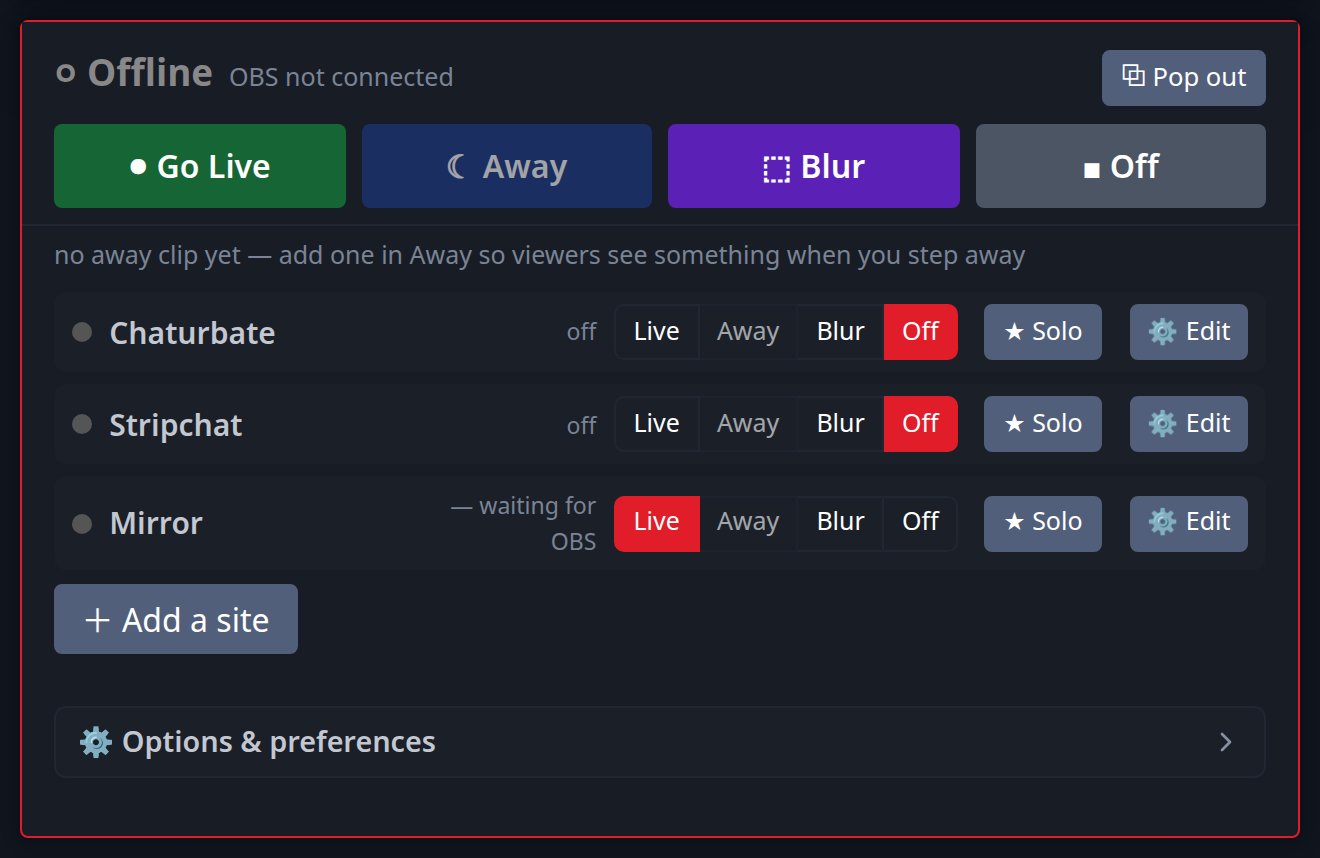
Add as many as you like alongside OnlyFans:
New to this? Read cam splitting on different cam sites or the best OBS settings.